PaperSurvey lets you export your survey responses in multiple formats for use in spreadsheet applications, statistical software, or other tools.
Available export formats
| Format | File type | Best for |
|---|---|---|
| Excel | .xlsx | General data analysis, sharing with colleagues |
| CSV | .csv | Importing into databases, custom tools, or any software |
| SPSS | .sav | Statistical analysis in SPSS or similar software |
| R | .zip (SPSS data file plus an R import script) | Statistical analysis in R |
| SAS | .zip (CSV data plus a SAS import script) | Statistical analysis in SAS |
| Stata | .zip (CSV data plus a Stata do-file) | Statistical analysis in Stata |
| Presentation | .pptx | Sharing charts and results as PowerPoint slides |
Data exports require active account access, which can include an active trial, subscription, or manually paid plan. Check your account’s current access and usage limits before planning a full export.
How to export
- Open your survey
- Go to the Responses tab
- Click the Export button in the top toolbar
- Select your preferred file type
- Click Download
The file will be generated and downloaded to your computer. For large surveys with many responses, the export may take a few moments to prepare. While the export is being generated, you can click Send to my email to receive the file by email instead of waiting for the download.
If you choose the Presentation format, you will be taken to the Results page where you can select which questions and chart types to include in the slides.
Choosing cell values
For the spreadsheet and statistical formats, a Cell Values setting controls how close-ended answers appear in each cell:
- Actual Answer exports the selected option label (for example, Strongly Agree)
- Recoded Values exports the numeric code (for example, 5); you can change the codes via Recode Values for each question on the Setup page
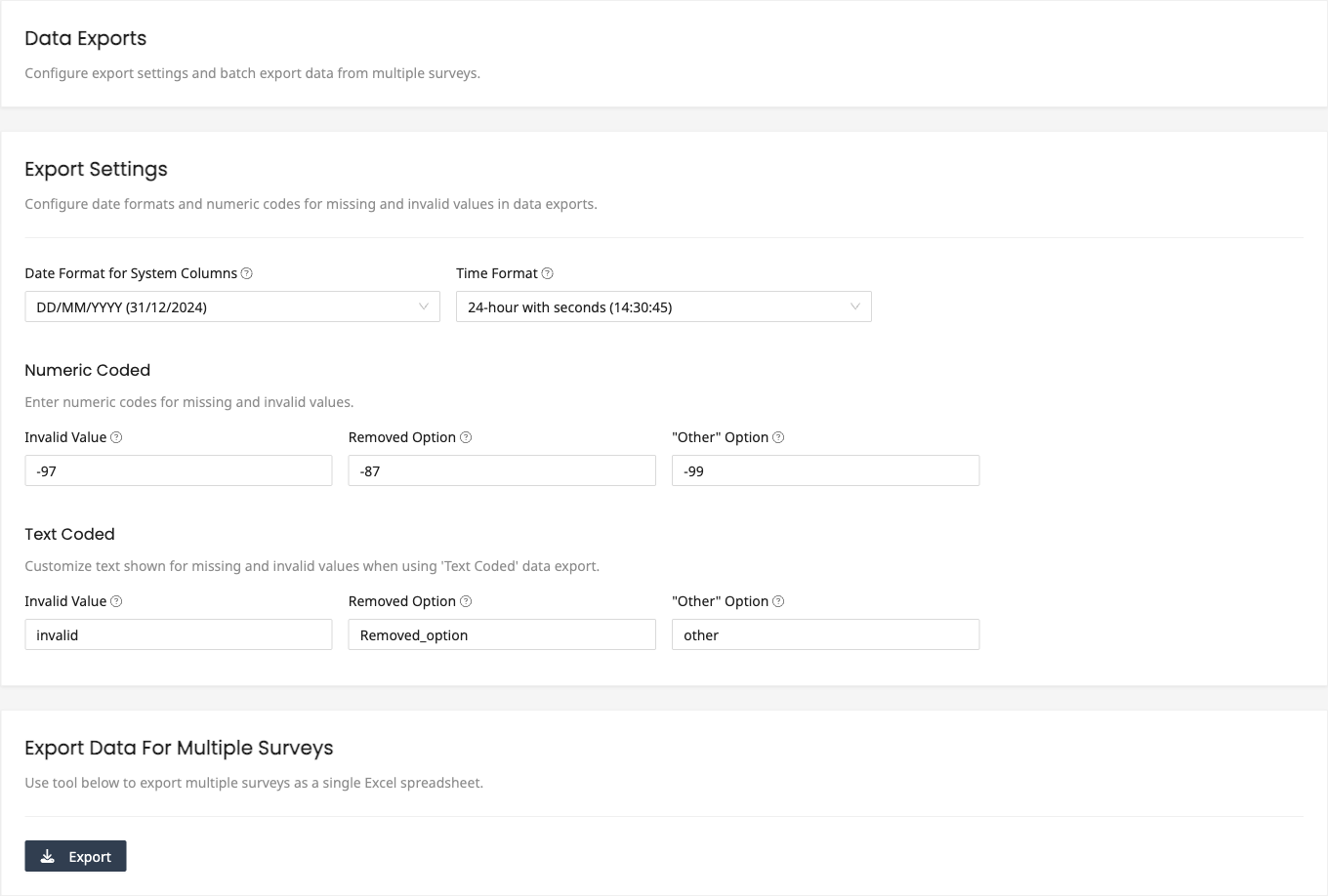
- Text Coded Values exports short text codes, useful for database field names and GIS systems
- Quiz points shows the points earned for correctly answered questions (available for graded surveys)
- Text response Images includes images of the scanned open-ended responses; this export takes longer and is sent to your email once it is ready
What is included
Each export contains:
- One row per survey entry
- Columns for each question in the survey
- Response values for each entry
- Metadata such as submission date and entry identifier
- One column per key when responses carry structured
KEY:VALUEtags such asVenue:Main Hall(see Tag Survey Responses)
Filtered exports
If you have active filters applied in the Responses tab, the export will include only the filtered entries. Remove all filters before exporting if you want the complete dataset.
Scheduling regular exports
For ongoing data collection, you can set up integrations to automatically send new responses to external services. See the Integrations section for options including Google Sheets, email notifications, and webhooks.
Related articles
- Customizing Export Columns to control which columns appear in your export
- Exporting Data from Multiple Surveys to combine responses across surveys