If you collect responses across multiple surveys, you can export their data together into a single spreadsheet. This is useful for comparing results over time or across different groups.
How to export multiple surveys
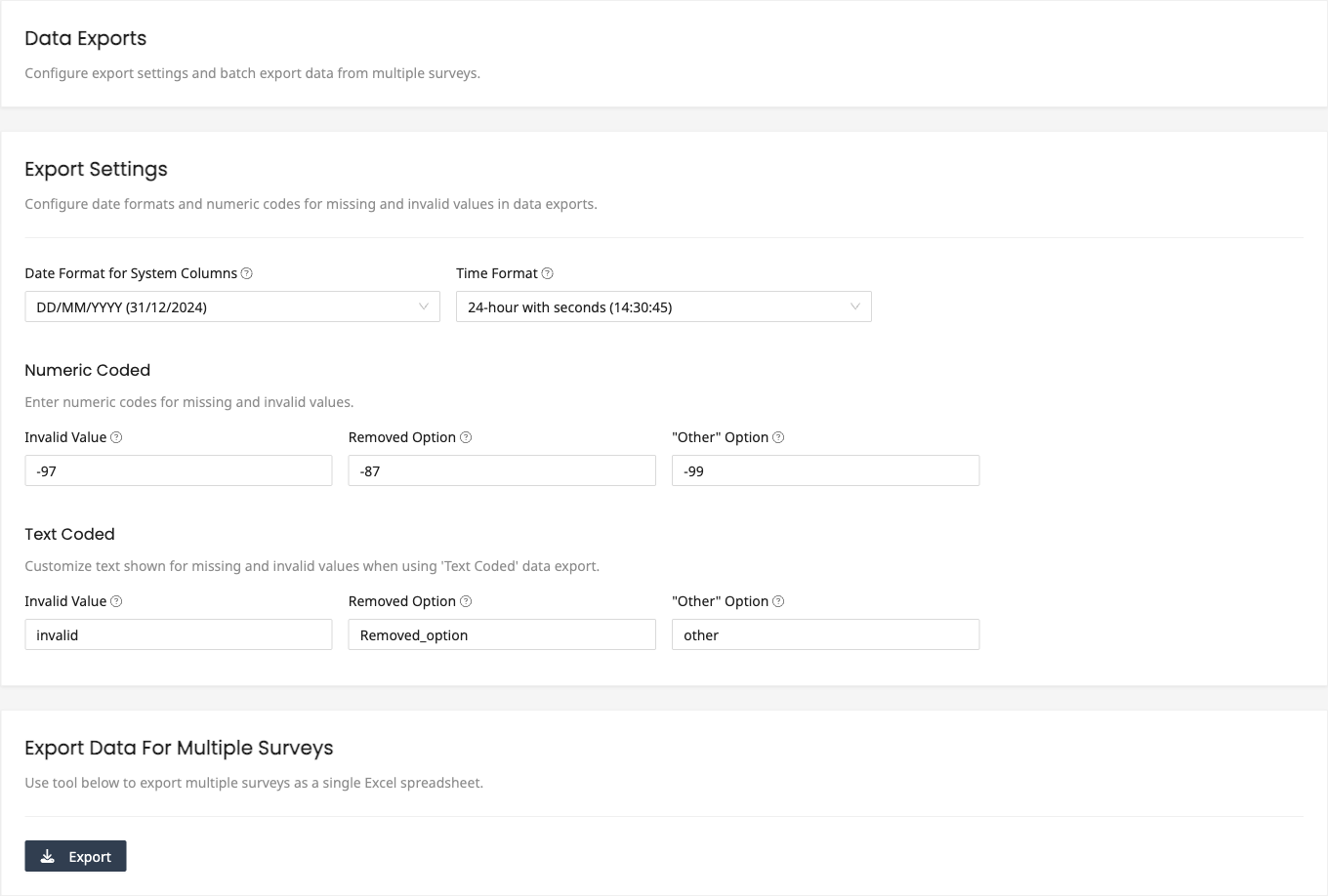
- Go to Settings and click Exports in the sidebar
- Scroll to the Export Data For Multiple Surveys section
- Click Export
- Select the surveys or folders you want to include
- Choose the Cell Values format, either Actual Answer (option labels) or Recoded Values (numeric codes)
- Click Download
The data will be exported as a single Excel spreadsheet. The resulting file will contain rows from all selected surveys. A column indicating the source survey is included so you can distinguish which responses came from which survey.
When to use multi-survey export
- Pre and post surveys - Compare responses before and after an intervention
- Recurring surveys - Combine monthly or quarterly survey data for trend analysis
- Regional surveys - Merge responses from surveys distributed at different locations
- Version comparisons - Compare responses between different versions of a survey
Column alignment
When exporting multiple surveys, columns are matched by each question's Column Header (set via Additional Settings on the Setup page) or, if none is set, by the question label. The names must match exactly for responses from different surveys to appear in the same column. Questions that exist in only one survey will have blank cells for entries from the other surveys.
For close-ended questions, answer options are matched based on their recoded numeric value. The exported file includes a Reference sheet listing each option, its numeric value, and the survey it came from, so review it to confirm the options were matched correctly. If they were not, adjust the Recoded Values for the affected questions on the Setup page and export again. A Summary sheet with combined response counts for close-ended questions is also included.
Related articles
- Pre and Post Surveys for running before-and-after survey studies
- Exporting Survey Data for single-survey export options