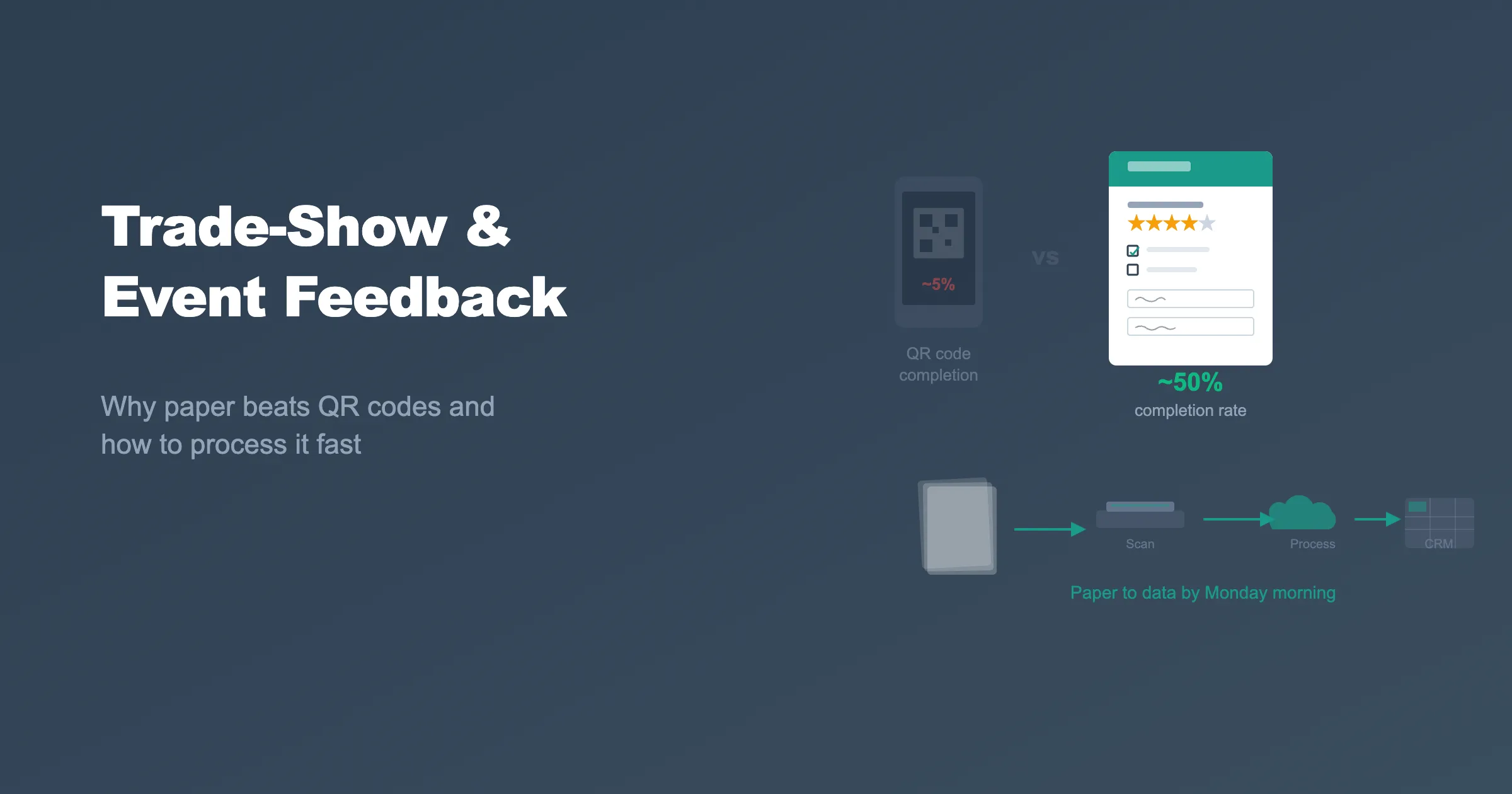
You have seen the setup at every trade show and conference: a QR code on a table tent, a sign that says "Scan to give us your feedback," and a URL printed on the back of a badge. The assumption is that attendees will scan the code, open the survey on their phone, and complete it later.
They will not. Most will not even start.
QR-to-online-survey completion rates at events are notoriously low. Industry data from event platforms puts typical completion rates between 2% and 8% of attendees who actually scan the code. The rest get distracted, forget, or close the browser tab when a notification pops up.
Paper feedback forms handed out at a booth or session get filled in on the spot. Completion rates of 40% to 60% are normal because the respondent is already there, already engaged, and the form takes 60 seconds to complete with a pen.
The objection to paper has always been the same: "But then we have to type it all in." That objection no longer holds the way it used to. Modern OMR platforms process a stack of paper forms into a structured spreadsheet in minutes. Here is how.
Why Paper Converts Better on the Show Floor
Event attendees are in motion. They move between booths, sessions, and networking areas. Their attention is fragmented and their phone is full of notifications, emails, and messages from colleagues back at the office.
Asking someone to complete an online survey in that environment is asking them to stop, focus on a screen, and type on a small keyboard while standing in a crowd. Most people will say "I'll do it later" and never do.
A paper form works differently. Hand someone a half-page feedback card and a pen at your booth. They fill it in while standing right there. It takes less than a minute. They hand it back. Done.
The key factors that make paper outperform digital at events:
- Immediate completion: The respondent fills it in now, not "later"
- No device friction: No QR scanning, no app loading, no form rendering on a small screen
- Tangible commitment: Holding a physical form creates a small social obligation to complete it
- No connectivity dependency: Conference WiFi is famously unreliable
- No distraction risk: The respondent is not pulled away by phone notifications mid-survey
Designing a One-Page Event Feedback Form
The best event feedback forms are short. One page, one side, completable in under two minutes. Keep it focused:
- 3-5 multiple-choice or rating scale questions about the event, session, or product demo
- 1 open-ended question for comments or specific interests
- Contact fields (name, email, company) for lead capture
- Your branding: logo, colors, and booth or session identifier
Avoid long instruments at events. If you need detailed feedback, send a follow-up survey by email after the event using the contact information you collected on the paper form.
PaperSurvey.io lets you design branded feedback forms in the online builder, print them on any printer, and generate as many copies as you need. Each form includes machine-readable markers so the platform can process responses automatically after scanning.
Branded Forms That Match Your Booth
Generic forms look generic. If your booth has a polished design with custom graphics and brand colors, your feedback form should match.
PaperSurvey.io lets you upload your logo, set custom colors, and choose fonts that align with your brand identity. The result is a professional feedback form that looks like it belongs at your booth, not a photocopied sheet from a generic template.
For conferences with multiple sessions, you can create separate forms for each session with the session name and speaker pre-printed. This eliminates the "which session is this about?" confusion and lets you analyze feedback by session automatically.
Processing Hundreds of Forms the Morning After
The event is over. You have a stack of 200, 500, or 1,000 completed feedback forms. In the old world, someone would sit at a desk and type every response into a spreadsheet. That job would take days.
With PaperSurvey.io:
- Scan the entire stack using any document scanner. A standard office scanner with an automatic document feeder processes a hundred pages in minutes.
- Upload the scanned PDF to PaperSurvey.io via browser, email, or Dropbox.
- Process: The platform reads every checkbox, rating scale, and handwritten response automatically.
- Review: Any responses flagged as ambiguous are shown alongside the original scan image for quick human verification.
- Export: Download the complete dataset as Excel, CSV, or push it to other tools via Zapier.
A stack of 500 forms can go from paper to structured spreadsheet before lunch on the first day back at the office.
Getting Leads Into Your CRM
For trade shows, the feedback form doubles as a lead capture tool. Names, email addresses, company names, and product interests collected on paper need to reach your sales team fast while the leads are still warm.
PaperSurvey.io integrates with Zapier, connecting your survey results to Salesforce, HubSpot, Mailchimp, Google Sheets, Slack, and thousands of other platforms. Set up a Zapier automation once, and every processed response flows directly into your CRM or marketing platform.
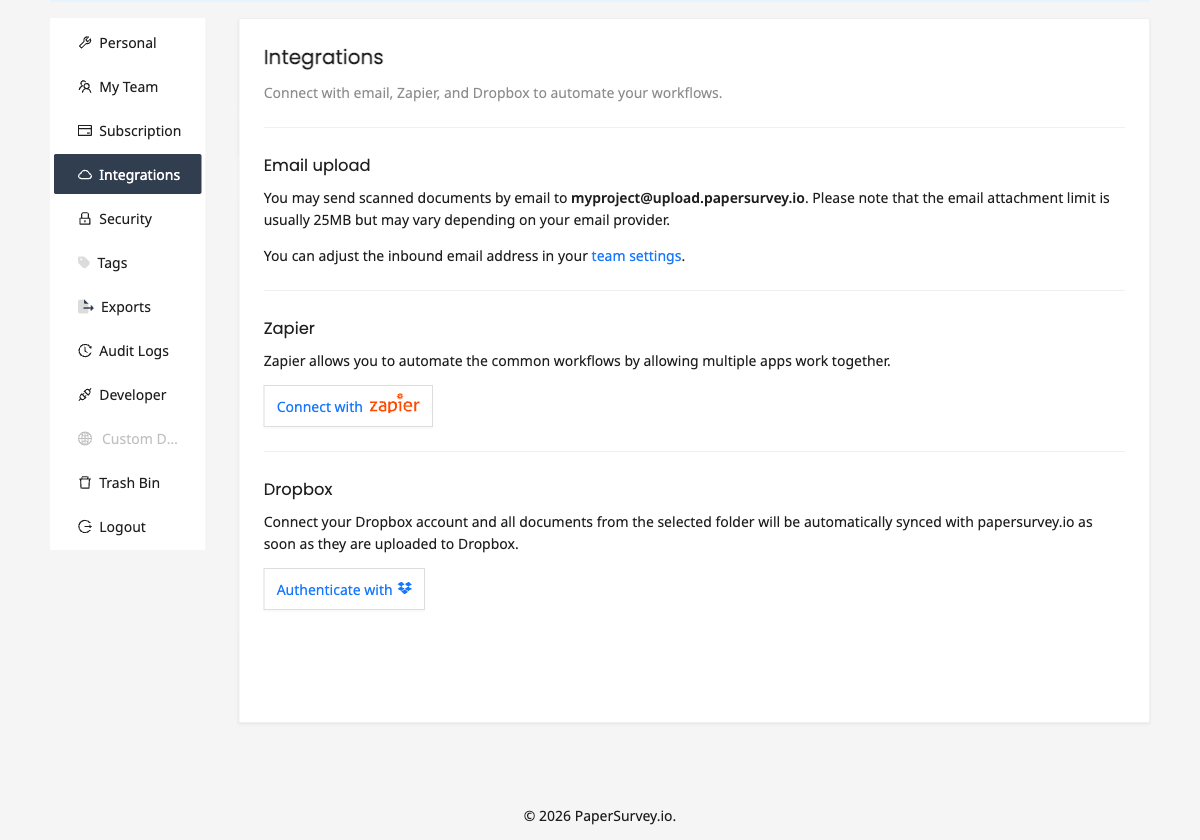
For custom integrations, webhooks deliver real-time notifications as soon as responses are processed, and a REST API provides full programmatic access to your data.
Your sales team can start follow-up emails and calls within hours of the event ending, not days.
From Paper Stack to Dashboard in Hours
The complete event feedback workflow with PaperSurvey.io:
- Before the event: Design and print branded feedback forms
- During the event: Hand out forms at your booth or session. Collect completed forms in a box.
- After the event: Scan the stack, upload, and process. Review flagged responses.
- Same day or next morning: Export to Excel, push to CRM via Zapier, share results with the team.
Recognition does the typing, and each original scan stays one click away, so a rep can confirm a handwritten email address before the follow-up goes out.
Try It Free
If you are collecting feedback at trade shows, conferences, workshops, or corporate events, paper forms get higher completion rates than QR codes and PaperSurvey.io gets you from paper to data in hours.
Start your free trial and design your first event feedback form before your next show.