
Gradient by GradeCam and PaperSurvey both support workflows involving printed forms, but they should be compared against the job your institution needs to do. Assessment grading, handwritten survey transcription and research-data collection are related tasks with different requirements.
Gradient’s current plan overview lists school and district subscriptions, Teacher Premium, and a free Teacher Limited subscription. It is inaccurate to assume that every school must buy a separate premium subscription for every teacher or that no free option remains.
PaperSurvey.io is worth evaluating when the project includes paper-and-web questionnaires, written comments and exports for research or institutional reporting.
Compare the Required Plan
Use the same workload for both products: users, classes or teams, scanned pages, written fields, question types, review and reporting. Obtain the current institutional terms rather than multiplying an individual-teacher price and treating it as a school quote.
PaperSurvey subscriptions have included user, team, page and handwriting allowances. They do not provide unlimited accounts for a flat team price. Review the current plans and university options for the capacity and features your institution needs.
Check Written-Answer Requirements Carefully
GradeCam’s current documentation includes handwritten-score collection and broader form-scanning capabilities. It should not be described as a product that only reads bubbles.
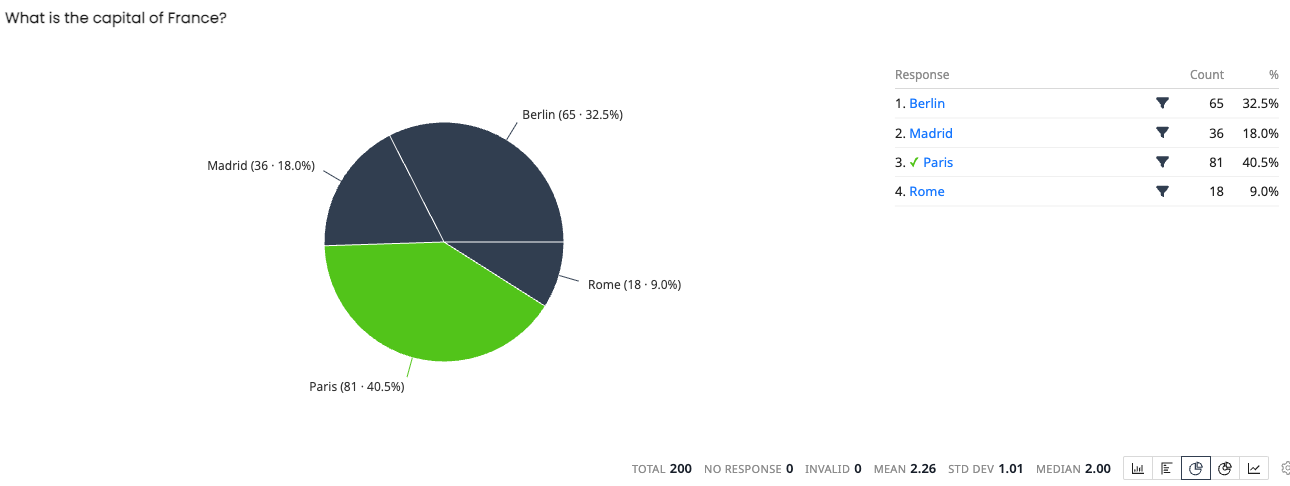
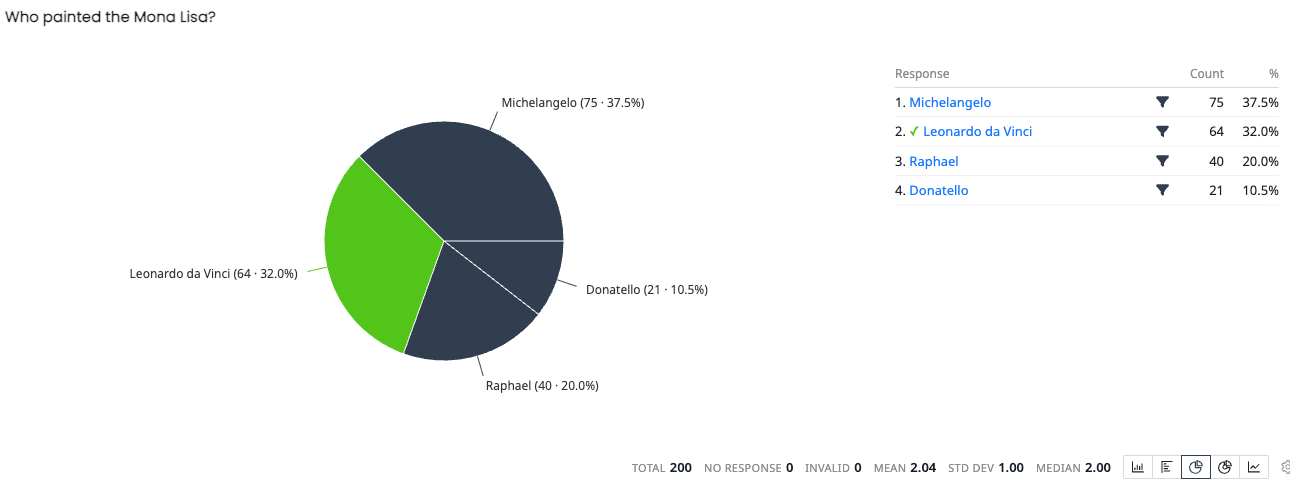
PaperSurvey transcribes handwritten comments and keeps the original scan available for review. That can help with course feedback, research questionnaires and registration forms. Transcribing a written answer is different from marking its academic content: PaperSurvey automatically scores supported choice questions using an answer key, while written answers need a separate grading process.
Evaluate Paper, Web and Languages Together
PaperSurvey lets a questionnaire collect responses on paper, online or both. Different language versions can feed the same dataset. Pilot the wording, fonts, scale direction, recognition and export with the languages and forms you intend to use.
Check the competing product’s current documentation and generated examples for the same requirements. Do not assume that a product’s main audience determines every supported language or workflow.
Test Capture and Review With Your Equipment
PaperSurvey recognizes forms generated in PaperSurvey. Create or import the questions, check the printable layout and generate new forms before collection. Previously completed external forms are not automatically compatible.
Use office scanning equipment or suitable phone captures, and test a small batch before a full exam or survey. Review uncertain readings and check a sample of accepted answers against the scans. Include corrections and identity checks when measuring the time to usable results.
Check the Export and Integrations
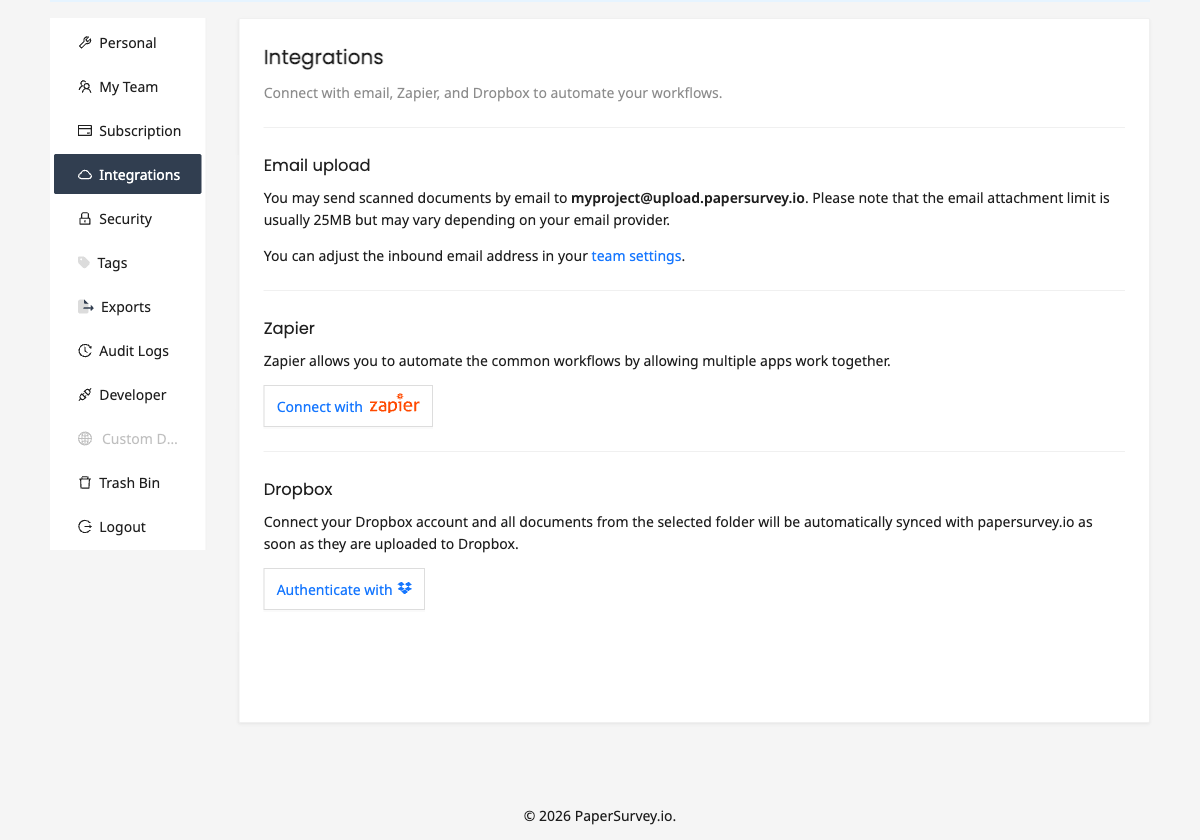
PaperSurvey provides spreadsheet and statistical exports, including CSV, Excel and SPSS, plus available Google Sheets, Zapier, API and webhook integrations. Access depends on the plan.
Inspect a pilot export in the gradebook or analysis tool your team uses. Confirm identifiers, answer codes, missing values and the way scores are represented. Integrations require configuration and testing; they do not remove the need to review the underlying answers.
Start With One Assessment or Questionnaire
An existing Gradient workflow may already meet your grading needs. If you also need the PaperSurvey questionnaire workflow, compare it with a small, realistic pilot before switching.
Start your free trial, generate several practice forms and check the complete route from printing to reviewed export.