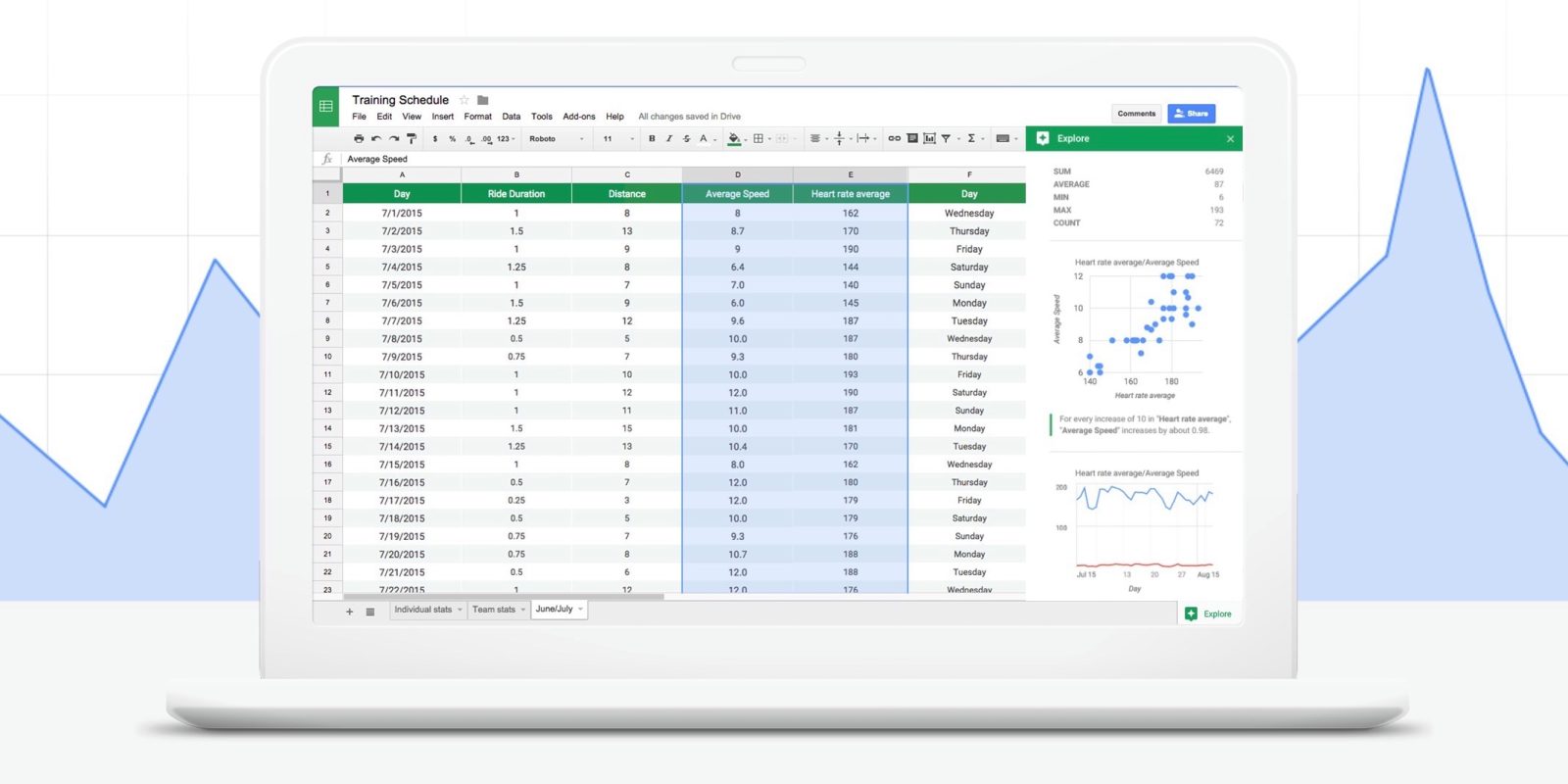
Connecting PaperSurvey to Google Sheets gives you real-time access to your survey data in a format your entire team already knows how to use. Every new response automatically syncs to your spreadsheet, creating a live data feed you can analyze, share, and build upon without ever needing to run a manual export.
How the integration works
Once connected, PaperSurvey creates and maintains a Google Sheet with your survey data:
- New and updated responses are written to the spreadsheet automatically shortly after processing
- Data updates automatically as surveys are completed
- All question responses are organized in columns
- Metadata like submission time and respondent ID are included
The spreadsheet remains synchronized with your PaperSurvey account, providing always-current data without manual exports.
Setting up Google Sheets sync
- Navigate to your Survey Settings page for the survey you want to sync
- Look for the Google Sheets integration section
- Click "Connect" with Google Sheets and connect a Google account (you can connect more than one account and choose between them)
- Name the spreadsheet and click "Create spreadsheet". It is created in that account's Google Drive.
PaperSurvey can only access the spreadsheets it creates for you. Everything else in your Google Drive stays private and is never read.
Your data will begin populating immediately, with new responses added as they are processed.
Powerful use cases
Real-time dashboards
Connect your synced sheet to Google Data Studio or other visualization tools. Build interactive dashboards that update automatically as new surveys come in, perfect for monitoring ongoing research or feedback campaigns.
Advanced calculations
Create additional sheets in the same workbook to:
- Calculate running averages and trends
- Build pivot tables for cross-tabulation
- Apply custom formulas for scoring or analysis
- Generate summary statistics by date, location, or respondent group
Team collaboration
Share the Google Sheet with stakeholders who need data access without PaperSurvey accounts. Set view-only permissions to ensure data integrity while keeping everyone informed.
Business intelligence integration
Use the sheet as a data source for:
- Tableau, Power BI, or other BI platforms
- Automated reporting workflows
- Integration with CRM or analytics systems
- Custom applications via Google Sheets API
Understanding sync behavior
Update frequency
- New data typically appears within 2-5 minutes
- The "Last updated" timestamp in the Google Sheets settings shows when data was last synchronized, and a "Sync now" button lets you trigger a full refresh at any time
Data structure
Your synced sheet includes:
- One row per survey response on the Data tab
- Columns for each survey question
- System fields such as the response number, page count, upload time, filenames, and tags
- A link back to each response in PaperSurvey
Alongside the Data tab, the spreadsheet includes an Information tab with ready-to-copy formula examples, a Summary tab with automatically updating counts and percentages for each question, and a Charts tab with a ready-made chart per question. When coded column formats are used, a Codes tab lists what each code means. These tabs are maintained by PaperSurvey, so keep your own analysis on separate tabs.
Customizing columns
Click "Customize columns" in the Google Sheets settings to rename, reorder, or hide columns, and to choose how each closed question is written: as the actual answer text, recoded numeric values, or text coded values. You can also save your configuration as the default for future surveys on your team.
Handling changes
If you modify your survey structure, open the Google Sheets settings and click "Sync now". The spreadsheet is rewritten to match your current survey design, with new questions appearing as new columns.
Availability and limits
This integration is available to all PaperSurvey users at no additional cost. While there are no usage fees, be aware of these technical limits:
- Google Sheets maximum: 10 million cells per spreadsheet
- During high-volume periods, syncing may be delayed
Need help setting up advanced workflows? Our support team can provide guidance on optimizing your Google Sheets integration for your specific use case.