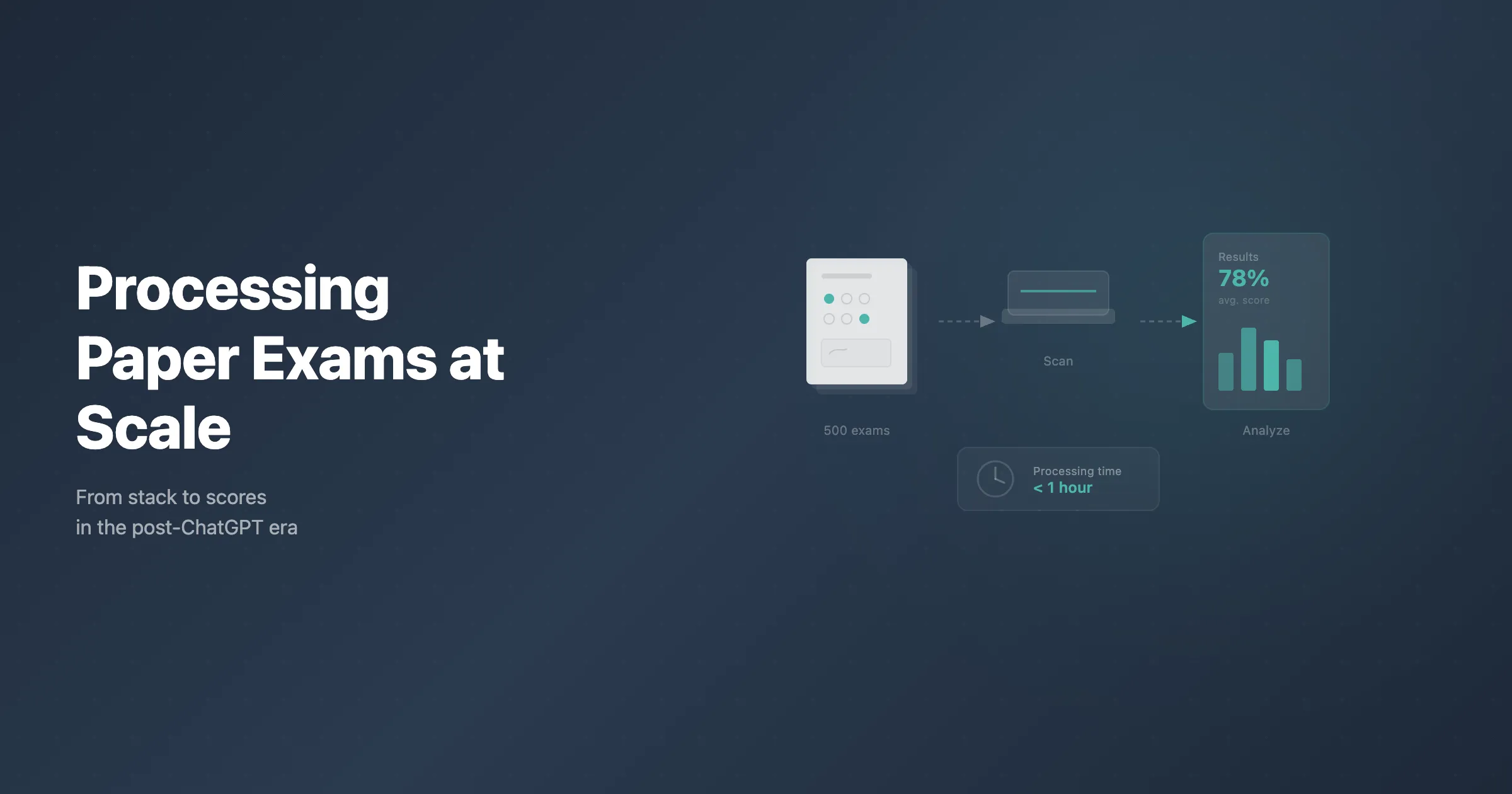
Universities are bringing back paper exams. The reason is straightforward: AI tools have made it nearly impossible to ensure that online assessments reflect a student's own work. But the return to paper raises an obvious practical question. How do you process hundreds or thousands of handwritten exam scripts without drowning in manual grading?
The answer is a combination of smart exam design, batch scanning, and automated processing using OMR (Optical Mark Recognition) and OCR (Optical Character Recognition) technology. This guide walks through the entire workflow, from designing the exam paper to exporting final grades.
Step 1: Design a Scan-Friendly Exam Paper
The efficiency of your entire processing pipeline depends on how the exam is designed. A well-designed paper exam can be scanned and graded in minutes. A poorly designed one creates hours of manual work.
Choose the Right Question Types
Not all question types process equally well on paper. Here is how different formats compare:
Multiple choice. Students fill in a bubble or check a box, and OMR software reads the marks into structured answers, which makes this the format best suited to automated grading. Before releasing grades, resolve any flagged answers and spot-check a sample of the readings that were accepted automatically.
True/false and matching. These work just as well as multiple choice for automated grading. They use the same bubble or checkbox format and process identically.
Short answer with defined answer boxes. When students write their answers in a clearly defined box or line, OCR software can extract the text for review. This is not fully automated grading, but it does eliminate the need to flip through physical papers. Graders can review extracted text on screen, which is faster and allows for keyword matching and batch review.
Essay and extended response. These require human grading, but modern platforms can extract handwritten text and present it in a digital interface. This means multiple graders can work simultaneously without passing physical papers back and forth, and rubric-based scoring can be applied consistently.
Formatting Rules for Reliable Scanning
Follow these guidelines when laying out your exam paper:
- Use a consistent template across all pages. The same header position, the same answer area placement, the same margins.
- Include clear answer areas with visible borders or shading. Students should know exactly where to write.
- Use a readable font size (11pt minimum) for question text.
- Leave adequate space between answer areas. Crowded layouts lead to scanning errors.
- Print on white or near-white paper. Colored paper reduces contrast and can interfere with mark detection.
- Include page numbers and exam identifiers on every page. If pages get separated during scanning, you need to know which exam they belong to.
PaperSurvey.io handles exam design with built-in templates that follow these principles. You create your questions in the platform, and it generates a print-ready PDF with properly formatted answer areas, QR codes for identification, and consistent layout across all pages.
Step 2: Print and Distribute
Printing Considerations
Print quality matters for scanning accuracy. Use a laser printer if possible, as inkjet prints can smear when handled by many students. Print at 300 DPI or higher. If you are printing large volumes, a commercial print shop will deliver more consistent quality than an office printer running through a 500-page job.
Check a sample scan before printing the full batch. Print a few copies, fill them in with a pen, scan them, and verify that the software reads the marks correctly. It is much cheaper to fix a layout issue before printing 500 copies than after.
Distribution and Collection
In the exam hall, ensure students use a black or dark blue pen. Light inks and colored pens can cause recognition issues. Provide clear instructions about how to fill in bubbles (fill completely, do not use ticks or crosses unless the form is designed for them) and where to write open-ended responses.
Collect exams in an orderly fashion. Keep them face-up, aligned, and free of staples or paper clips that could jam a scanner. If the exam has multiple pages, make sure pages stay together and in order.
Step 3: Scan the Completed Exams
Scanning is the bridge between paper and digital. The method you choose depends on your volume and budget.
Document Feeder Scanners (Best for Volume)
An Automatic Document Feeder (ADF) scanner is the most efficient option for large batches. A good ADF scanner processes 30 to 60 pages per minute, meaning 500 single-page exam sheets can be scanned in under 20 minutes.
Recommended specifications for exam scanning:
- ADF capacity of at least 50 sheets
- Duplex scanning (front and back) if your exams use both sides
- 300 DPI scanning resolution (higher is unnecessary and slows processing)
- USB or network connectivity for easy integration
Popular models in the education space include the Fujitsu ScanSnap and fi series, the Brother ADS series, and the Canon imageFORMULA series. Most cost between $300 and $800 and pay for themselves within a single exam cycle.
Flatbed Scanners
For smaller volumes (under 50 exams) or for exams on thick cardstock, a flatbed scanner works fine. It is slower, requiring manual page placement, but produces high-quality scans. Some flatbed scanners include a small ADF attachment that handles 10-20 pages at a time.
Phone and Tablet Cameras
If you do not have access to a dedicated scanner, a smartphone or tablet can work for smaller batches. Use a document scanning app (such as Apple Notes scanner, Adobe Scan, or Microsoft Lens) rather than taking a regular photo. Scanning apps automatically crop the page, correct perspective distortion, adjust lighting, and produce a clean PDF. Regular camera photos often suffer from uneven lighting, blur, and skewed angles that reduce recognition accuracy.
When scanning with a phone, place the paper on a flat, well-lit surface and hold the device directly above. The scanning app will handle the rest.
PaperSurvey.io accepts uploads from any of these sources. You can scan to PDF using a document feeder, use a scanning app on your phone, or use a flatbed scanner. The platform handles image normalization, rotation correction, and quality checks automatically.
Step 4: Automated Grading with OMR
Once your scans are uploaded, OMR software reads the filled-in marks and matches them against your answer key.
How OMR Works
OMR detects the presence or absence of marks in predefined locations on a page. When a student fills in bubble B for question 7, the software checks the coordinates where bubble B for question 7 should be, detects the mark, and records the response.
OMR works well when the exam is well-designed and the scans are clean, but no recognition engine is error-free. The software can handle partially filled bubbles, erasures, and stray marks, though cleaner forms produce better results and unusual marks are where misreads tend to happen.
Setting Up the Answer Key
Before processing, you define the correct answers for each question. This is typically done in the exam processing platform before scanning begins. You specify which option is correct for each multiple choice question, assign point values, and configure any partial credit rules.
With PaperSurvey.io, you set the answer key when you design the exam. The platform already knows the correct answers when you upload the scans, so grading begins immediately.
Handling Ambiguous Marks
A student's mark can be ambiguous: two bubbles where one was expected, or a mark too light to read clearly. Recognition and validation rules can flag responses for review, but accepted readings can also contain errors. Review flagged responses and check a sample of accepted answers before finalizing the batch.
Step 5: Handling Handwritten Responses
For short-answer and essay questions, fully automated grading is not yet reliable enough for most academic contexts. But technology still dramatically speeds up the process.
OCR and Intelligent Word Recognition
OCR converts images of handwritten text into machine-readable text. Modern OCR engines, powered by machine learning, can read most handwriting with reasonable accuracy. Intelligent Word Recognition (IWR) goes further, using context and language models to improve accuracy on difficult handwriting.
The extracted text is not used for automatic grading of open-ended questions. Instead, it is presented to human graders in a digital interface. This has several advantages over reading physical papers:
- Multiple graders can work on the same exam set simultaneously, each grading from their own computer.
- Graders see one question at a time across all students, which improves consistency compared to grading one student's entire paper before moving to the next.
- Responses can be anonymized, removing the student's name from the grading view to reduce bias.
- Scores are recorded digitally as they are assigned, eliminating the need for a separate data entry step.
Keyword and Pattern Matching
For short-answer questions with specific expected answers (a formula, a date, a definition), some platforms can check extracted text against expected responses. This does not replace human judgment, but it can pre-sort responses into likely-correct and likely-incorrect groups, speeding up the review process.
Step 6: Export Results
After grading is complete, you need to get the results into your gradebook or learning management system.
What You Get from Automated Processing
A good exam processing platform provides more than just a list of scores. Expect:
- Individual student scores with breakdowns by question or section.
- Item analysis showing which questions were answered correctly by what percentage of students. This identifies questions that may have been too easy, too hard, or poorly worded.
- Score distributions showing how the class performed overall, with mean, median, standard deviation, and percentile breakdowns.
- Response-level data showing exactly what each student answered for each question.
- Flagged responses for any items that required manual review, with an audit trail of the decisions made.
Export Formats
Most platforms export to CSV, Excel, or directly to LMS formats compatible with Moodle, Canvas, Blackboard, and other systems. PaperSurvey.io supports CSV and Excel exports, and the data structure maps cleanly to standard gradebook import formats.
Realistic Time Estimates
Here is what the end-to-end process looks like for a 500-exam batch:
| Step | Time |
|---|---|
| Exam design and answer key setup | 1-2 hours (one-time) |
| Printing 500 copies | 30-60 minutes |
| Exam administration | Your scheduled exam time |
| Scanning (ADF at 40 pages/min) | 15-25 minutes |
| Upload and automated OMR grading | 10-20 minutes |
| Review flagged responses and spot-check accepted ones | 15-40 minutes |
| Manual grading of open-ended questions | Varies by question count |
| Export and upload to gradebook | 5-10 minutes |
For a fully multiple-choice exam, the entire post-exam process, from scanning to exported grades, typically fits into a morning. For exams with a mix of multiple choice and open-ended questions, the automated portion still saves hours compared to fully manual grading.
Common Concerns and How to Address Them
"We do not have scanners."
A single ADF scanner costs $300-$500 and handles thousands of pages per exam cycle. Compared to the hours of labor saved, the ROI is immediate. Many university IT departments and libraries already have suitable scanners available.
"Our exams are too complex for OMR."
OMR handles the structured portions of your exam. Open-ended questions are extracted and presented for human grading. You do not need to choose between complex exams and automated processing. Use both question types in the same exam.
"Students will complain about handwriting."
Students have been writing exams by hand for centuries. The transition back is less jarring than expected. Provide adequate writing space, allow sufficient time, and make sure answer areas are clearly defined.
"What about students with accommodations?"
Students who require typed responses due to disabilities can still receive accommodations. Their typed responses can be processed alongside scanned papers. Most platforms, including PaperSurvey.io, accept both scanned handwritten forms and typed input.
Getting Started
The best approach is to start with one course or one exam. Choose a course with a straightforward exam format, design the paper using a processing-friendly template, run a small pilot, and evaluate the results. Most institutions that pilot paper exam processing find that the workflow is simpler than expected and the time savings are significant.
If you are ready to try automated paper exam processing, PaperSurvey.io lets you design, print, scan, and grade paper exams in a single platform. You can start with a free account and scale up as your needs grow.