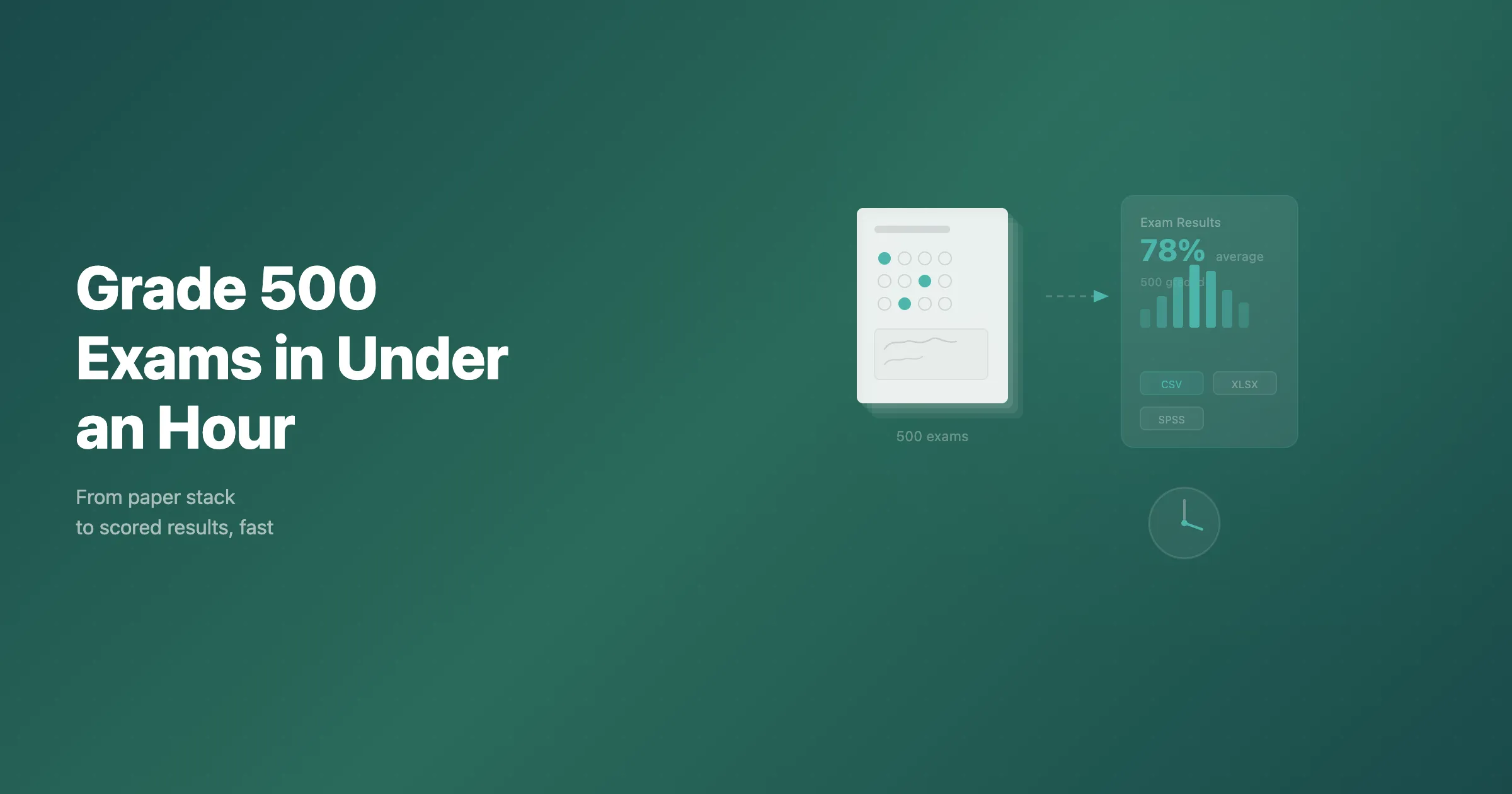
If you have ever sat down with a stack of 500 exam papers and a red pen, you know the math. At 3 to 5 minutes per paper, you are looking at 25 to 40 hours of grading: three to five full working days of repetitive, error-prone work, before you even enter the scores.
OMR (Optical Mark Recognition) scanning can reduce the manual entry and scoring work. The full workflow includes scanning, recognition, checking the answers, and exporting scores.
The timings below are planning examples, not a measured PaperSurvey benchmark. Use a pilot batch to estimate scanning, processing, and review time for your own exam.
The Manual Grading Problem
A typical 40-question multiple-choice exam takes about 2 minutes to grade with an answer key overlay. Add short-answer or essay questions and it climbs to 5 to 10 minutes per paper. For 500 exams, that is 16.7 hours for pure multiple choice, 41.7 hours for a mixed format, and 66.7 hours for an essay-heavy paper. None of that includes recording scores or catching the mistakes that creep in over hours of repetitive work.
Manual grading is also inconsistent. Human graders make more mistakes on subjective questions than on straightforward multiple-choice marking, and accuracy drops as fatigue sets in. A single mismarked answer can change a grade, trigger appeals, and undermine trust in the assessment.
Then there is labor cost. If teaching assistants paid $20 to $30 per hour grade 500 mixed-format exams, that is $800 to $1,250 in wages spent on a task that adds no educational value.
The OMR Alternative
OMR technology reads marks on paper. When a student fills in the bubble next to option B, the scanner detects the mark and records the response. Modern OMR runs on ordinary scanners and plain paper, which makes it far more accessible than the old Scantron machines.
You need three things. First, a document feeder scanner: a mid-range Automatic Document Feeder (ADF) model handles 40 to 60 pages per minute and costs $300 to $500, a one-time investment that pays for itself in the first exam cycle. Second, exam processing software that reads the images, identifies marked responses, compares them against your answer key, and calculates scores. PaperSurvey.io handles this entire workflow in the browser with no installation. Third, a well-designed exam paper with clear bubble areas, consistent layout, and machine-readable identification such as QR codes.
The Step-by-Step Workflow
Design the exam (once, beforehand). Create your exam in the platform, add questions, mark the correct answers, and assign point values. The platform generates a print-ready PDF with formatted bubble areas, clear numbering, and QR codes that identify each page. It takes 30 minutes to an hour for a typical exam, and templates are reusable.
Print and administer. Print on any standard laser printer using ordinary A4 or letter paper. No special paper, no pre-printed vendor sheets. Students fill in their answers with a dark pen under normal supervised conditions.
Scan the completed exams (15 to 20 minutes). Feed the papers through your ADF scanner. At 40 pages per minute, 500 single-sided exams scan in about 12 to 13 minutes. A duplex scanner handles double-sided exams in one pass. Upload the resulting PDF or images.
Automated grading. The platform identifies each page by its QR code, locates the bubble areas, reads the marks, compares them against the answer key, calculates each score, and applies recognition and validation rules to flag responses for review. Measure this step on your pilot batch; processing time depends on image quality and server load.
Review the recognized answers. Check flagged responses against their scans, and sample accepted answers for missed errors before releasing grades. Review time depends on how students mark the sheets, scan quality, and the checks your institution requires; measure it on a pilot batch.
Export results (2 minutes). Download individual scores, per-question breakdowns, and aggregate statistics as CSV or Excel, then import into your LMS or gradebook.
The total depends on the scanner, processing time, and review required. Include checks of accepted answers when measuring your pilot; the scanning time alone is not the time to release verified grades.
What You Get Beyond Just Scores
Automated processing gives you data that manual grading never provides. For every question you get item analysis: the percentage of students who chose each option, a discrimination index showing whether the question separates high and low performers, and a difficulty index showing what share answered correctly.
You also get score distributions with mean, median, standard deviation, and percentiles, plus per-student breakdowns of exactly which questions each student got right or wrong. All of it exports in a structured format ready for gradebooks or statistical software, with no error-prone second data-entry step.
Handling Mixed-Format Exams
Not every exam is purely multiple choice, and mixed formats are still far faster than fully manual grading. Multiple-choice, true/false, and matching questions grade automatically. For short-answer and essay questions, the platform extracts the handwritten text from each answer area and presents it to graders one question at a time across all students, not one whole paper at a time.
That approach beats traditional grading: no physical paper to lose your place in, more consistent scoring because you see every answer to a question in sequence, parallel work across graders, and scores recorded directly in the platform. For 500 exams with 10 short-answer questions, assisted grading might take 3 to 6 hours, still far below the 40-plus hours full manual grading would demand, while the automatically graded questions finish in minutes.
Real Cost Comparison
Consider a department grading 500 exams per semester across three courses. Manually, 1,500 exams at 5 minutes each is 125 hours, about $3,125 per semester at $25 an hour, plus data entry, for roughly $7,250 per year.
Automated, you pay $400 once for a scanner and roughly $50 to $200 per month for the platform, plus your measured scanning and review time. If that comes to about 6 hours a semester at $25, the first-year total lands around $1,300 to $3,100, and later years around $900 to $2,700. The more exams you process, the greater the advantage.
Getting Started
You do not need to convert everything at once. Start with one course and one exam cycle: create one exam from your existing multiple-choice questions, run it alongside your normal process, then scan, upload, and compare against manual grading.
Use the pilot to measure the full time to verified grades before planning a batch of five hundred exams.
Try It Free
Ready to stop grading by hand? Start a free trial of PaperSurvey.io and time your next batch from scan to verified grades. No credit card required, and there is no software to install.