
A research coordinator for a maternal health study in rural Malawi described her data collection setup: a stack of printed questionnaires, a box of pens, and a bag of zip-lock pouches to protect the forms from dust and rain. No tablets. No WiFi hotspots. No generator-powered charging stations. At the end of each week, the completed forms traveled by motorbike to a district office with a flatbed scanner and an internet connection. Within hours of uploading, the data appeared in the project dashboard, cleaned and structured.
This is not a workaround. For thousands of research projects, public health programs, and humanitarian assessments around the world, paper-based data collection in the field is the most reliable method available. The challenge has never been collecting the data on paper. It has been getting that data into a digital system efficiently. Modern OCR platforms have made that step far faster.
The Connectivity Problem in Field Research
Digital survey tools like ODK, KoBoToolbox, and SurveyCTO assume some level of device availability and eventual connectivity. They work well in many field settings. But they break down when:
- Power is unreliable and devices cannot be charged consistently
- Tablets or phones are too expensive or too fragile for the field conditions
- Enumerators are community health workers with limited digital literacy
- Security concerns make carrying electronic devices risky
- Institutional review boards require paper consent forms regardless of digital data collection
In these situations, digital-first is not practical. Paper-first is not a concession. It is a deliberate design choice that prioritizes data reliability over technological convenience.
Why Offline-First Matters for Data Integrity
When a digital survey tool loses connectivity mid-interview, the app queues responses locally and syncs later. This works most of the time. But field researchers have seen the failure modes: corrupted local databases after app crashes, duplicate submissions after unreliable sync, lost interviews after a device is damaged or stolen.
Paper has none of these failure modes. A completed paper questionnaire is a physical artifact. It does not crash. It does not lose sync. It can be photocopied for backup. It can be reviewed by a supervisor before it leaves the field site. If a page gets damaged, the rest of the form is still intact.
For studies where every response matters, where sample sizes are small and replacement interviews are impossible, the physical durability of paper is a feature, not a limitation.
Paper as the Original Offline Survey Tool
Paper-based data collection has been the backbone of epidemiological research, census work, and social science fieldwork for over a century. The WHO's Expanded Programme on Immunization coverage surveys, UNICEF's Multiple Indicator Cluster Surveys, and countless academic research projects have relied on printed questionnaires administered by trained enumerators.
What made paper difficult in the past was not the collection. It was the data entry. Hiring teams of data entry clerks, double-entering every form for accuracy, and spending weeks cleaning the resulting dataset. This is where modern technology has changed the equation.
The Modern Workflow: Collect, Scan, Upload, Done
PaperSurvey.io eliminates manual data entry from paper-based field research. The workflow is:
- Design your survey instrument online, with any combination of multiple-choice, single-choice, Likert scale, and open-ended questions
- Print the required number of copies on any printer, on plain paper
- Distribute printed forms to field teams and enumerators
- Collect completed forms at the field site, no electricity or connectivity needed
- Transport forms to any location with a scanner and internet access
- Scan all forms in batch using a flatbed scanner, document scanner, or even a phone camera
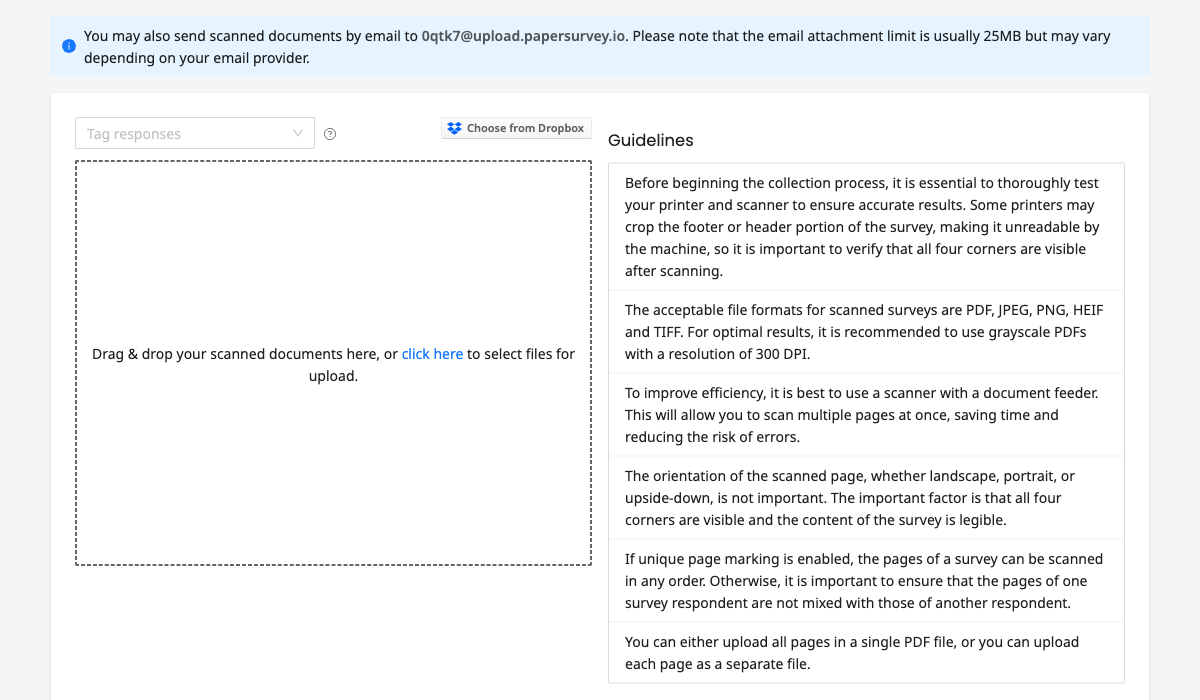
- Upload the scanned files via browser, email, or Dropbox
- Process automatically: the platform reads checkboxes, radio buttons, and handwritten text using OCR and AI
Results appear in your dashboard within minutes of upload. Export to Excel, CSV, or SPSS for analysis.
Designing Field-Ready Forms
Forms used in field research face conditions that office surveys never encounter. Dust, humidity, rain, uneven writing surfaces, and respondents who may be completing the form while standing or sitting on the ground.
Practical design choices that improve field performance:
- Larger checkboxes and text fields make forms easier to complete with a pen on an unstable surface
- Clear section headers and numbering help enumerators navigate the form during interviews
- Printed respondent identifiers (pre-filled IDs or barcodes) reduce transcription errors
- Multi-language forms serve multilingual field sites without requiring separate instruments
- Single-sided printing prevents bleed-through from affecting recognition on the reverse
PaperSurvey.io supports all of these design choices. Forms can be printed in over 30 languages, and the platform generates unique identifiers for each copy to track individual respondents across multi-page instruments.
Data Quality in Challenging Conditions
Scanned forms from the field are not always pristine. Pages get folded. Ink smudges. A respondent marks outside the checkbox. A supervisor writes a note in the margin.
PaperSurvey.io's recognition engine is built for imperfect scans, but field pages still need checking. Validation rules flag problems such as two marks on a single-choice question, and each handwritten field has a recognition setting: Good accuracy flags readings below 90% confidence, while Verify always sends every response to a reviewer, which suits participant IDs and consent fields. You see the original scan image alongside the recognized response and can correct it.
A folded or smudged page can still be misread without being flagged, so have a supervisor compare a sample of accepted forms from each site and enumerator with their scans before the data goes into your analysis.
From a Rural Clinic to a Research Database
Consider a practical scenario. A public health team is running a household survey across 40 villages in a rural district. Each village has a trained community health worker conducting interviews. The survey instrument is four pages with 35 questions covering demographics, health behaviors, and service utilization.
With paper and PaperSurvey.io:
- Day 1-10: Community health workers conduct interviews using printed forms. No devices, no charging, no connectivity needed.
- Day 11: A project vehicle collects completed forms from collection points across the district.
- Day 12: Forms are scanned at the district office (a standard document scanner processes hundreds of pages per hour). Scanned files are uploaded to PaperSurvey.io.
- Day 12, afternoon: The research team in the capital city opens their dashboard and finds structured, exportable data from all 40 villages. Flagged responses are reviewed and corrected.
- Day 13: The cleaned dataset is exported to SPSS for analysis.
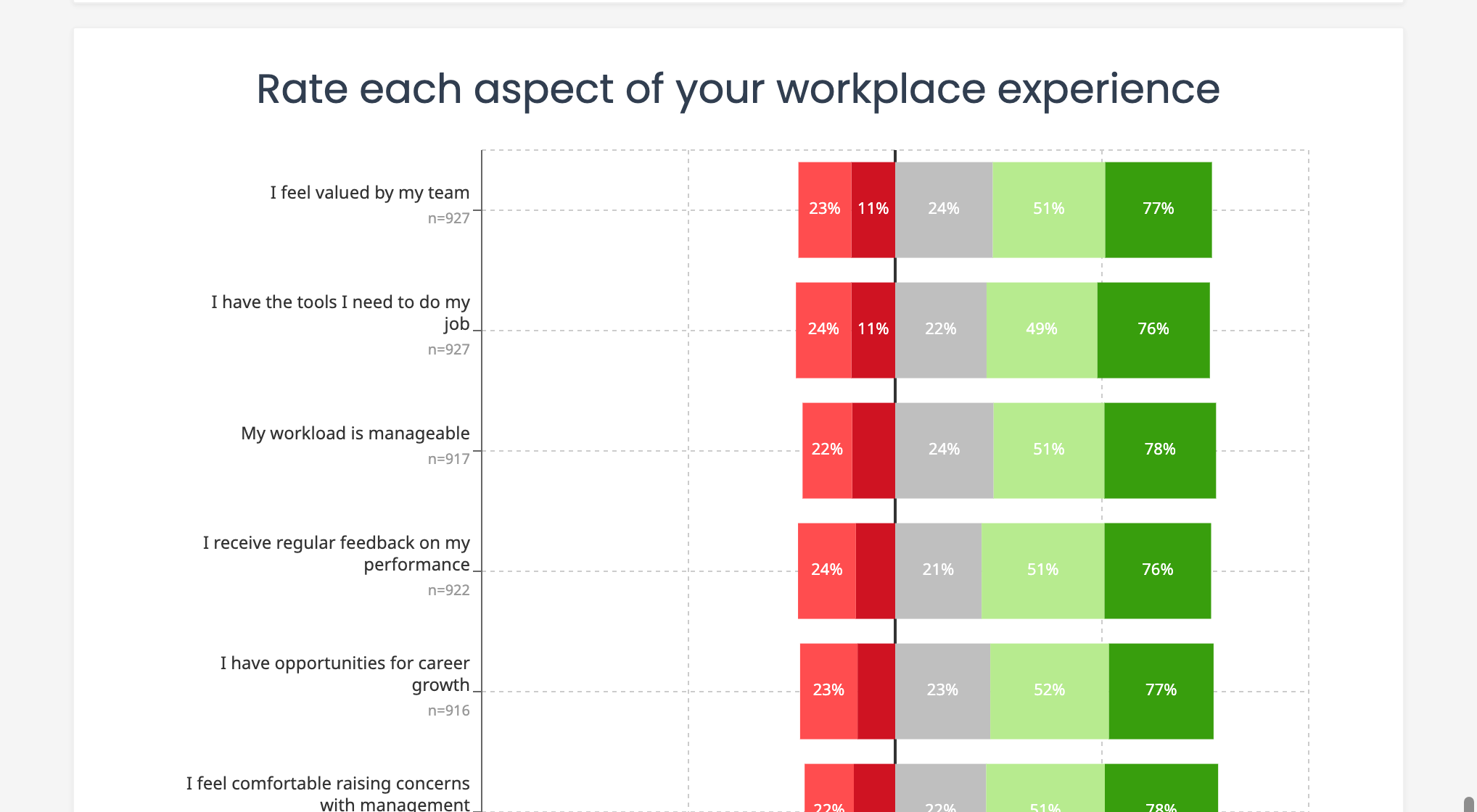
Total time from field collection to analysis-ready data: three days, with no manual data entry.
Try It Free
If your research takes you to places where internet access is unreliable, PaperSurvey.io lets you collect data on paper and convert it to structured digital data as soon as you reach a scanner. No tablets, no connectivity in the field, no manual data entry.
Start your free trial and design your first field survey instrument in minutes.