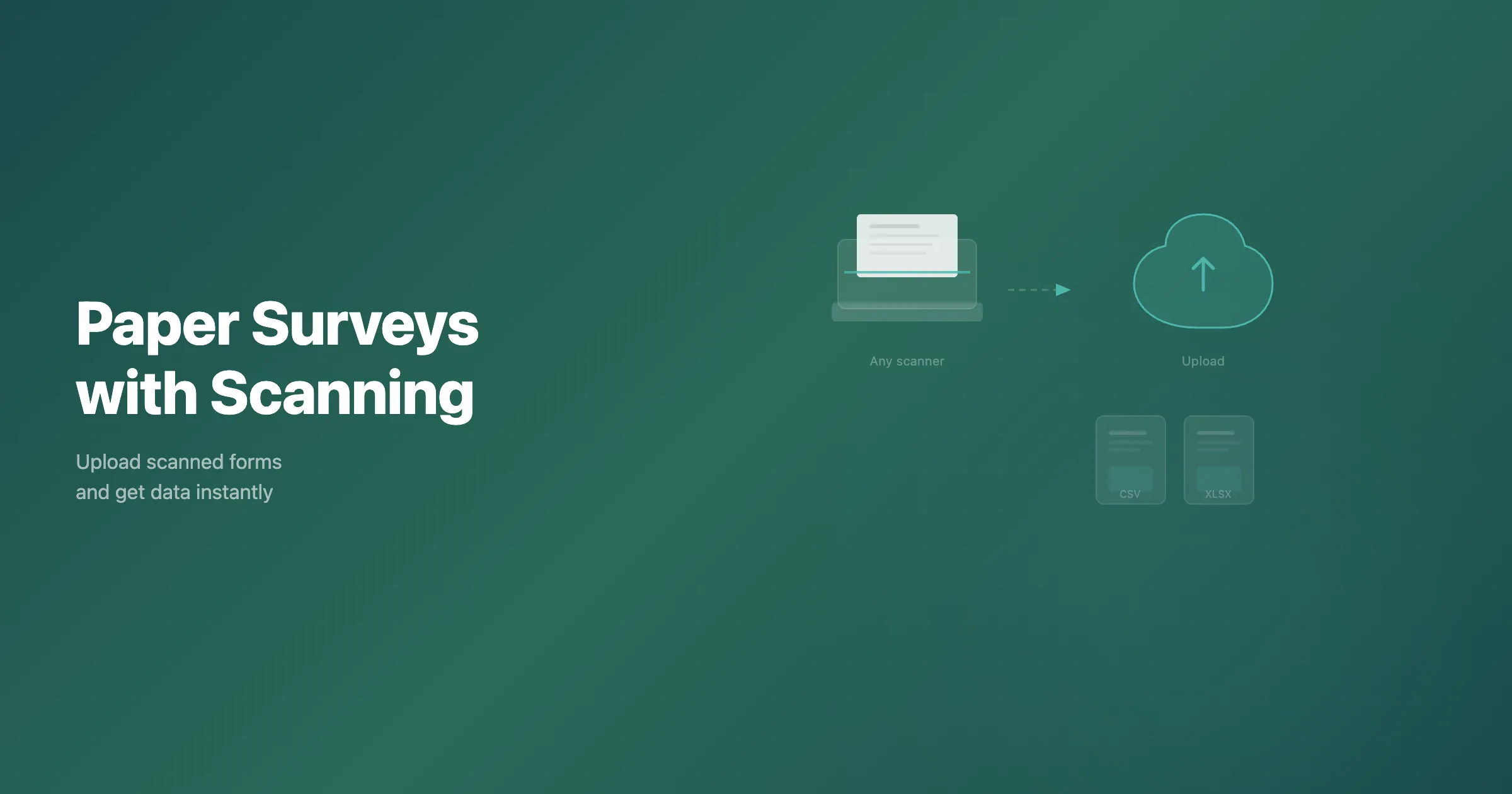
Collect data on paper forms to reach every respondent, including the people who are hard to reach online. PaperSurvey.io supports paper-based survey questionnaires, from building the form to recognizing the completed pages. You design your survey online, print it on plain paper, hand it out, and then scan the returned sheets. Within minutes the marks and handwriting become structured data you can filter, chart, and export. This article walks through how the recognition and verification work, how open response boxes are captured, how page stamping keeps multi-page surveys in order, and how the finished results reach your analysis tools.
Data validation and verification
Mistakes can happen, and they do happen, in manual data entry. Retyping stacks of paper forms by hand is slow, and it introduces transcription errors that are hard to spot after the fact.
PaperSurvey.io uses optical mark recognition for checkboxes and AI recognition for handwriting on forms generated by PaperSurvey. This reduces manual entry, but results depend on respondent marks, handwriting, and scan quality. A 2020 clinical study by Paulsen and colleagues found no statistically significant difference between OMR and double data entry for checkbox errors in its tested workflow. That study did not evaluate PaperSurvey and does not establish its accuracy or validate handwriting recognition.
Validation rules flag problems such as two marks on a single-choice question, and text recognition settings flag low-confidence handwriting. Compare flagged items with the original scans. Because a misread can still receive a high confidence score, spot-check some automatically accepted answers before you report results. The Review tab lets you inspect accepted answers as well as flagged ones.
You control automatic acceptance through each text question's recognition mode. Long Text fields default to Good accuracy, which accepts readings at or above its confidence threshold. Choose Verify always when a person must check every response.
Open response questions
Respondents are given a clearly bounded box to answer in their own words. Unlike solutions that force people into cramped comb fields or rigid all-caps grids, we ask respondents to write naturally inside free text boxes, which produces more legible handwriting and richer answers.
Each answer box maps to a question. Ask respondents to keep their writing inside it, and check comments that extend beyond its boundaries. The handwriting recognition transcribes both cursive and print, and it reads handwritten numbers, dates, and ID codes as structured values rather than loose text. Ask respondents to use a pen, because pen marks scan with stronger, more consistent contrast than lighter strokes, and that lifts recognition accuracy. Give each answer enough room too, since a generous box encourages spaced, readable writing that the engine can segment word by word.
Page stamping
For paper surveys of two or more pages, we enable page stamping by default, uniquely marking each sheet with a barcode. One barcode identifies the individual respondent copy, and a second encodes the survey and page number, so readable stamps identify which page belongs to which questionnaire.
This matters the moment forms come back out of order. Whether every response is scanned into one large file or each questionnaire is scanned separately, the stamps are used to reassemble each respondent's pages and detect duplicate scans. Check any pages with missing or unreadable stamps before treating the batch as complete.
Type in the number of copies you need and we will email you a single print-ready PDF. If you prefer, you can enable page stamping on single-page surveys as well, which is handy when you want a unique code on every sheet for tracking or reconciliation.
Scanning your completed forms
You do not need a special machine or proprietary paper. Most office scanners work, and phone photos taken with a document-scanner app can be processed too. Image processing deskews tilted pages and rotates them upright, but blurred or shadowed photos can still cause recognition errors. Scanning with a document feeder is the fastest route for large batches, and phone photos are an option when you are away from the office. Test a few completed forms first and check that all page corners and marks are clear.
Upload the pages through the web app, email them in, or drag and drop a folder of scans. The recognition runs in the cloud and returns processed results within minutes, so there is nothing to install and no hardware to buy before you start.
Analyzing and exporting results
As soon as the pages are processed, the responses appear in your dashboard ready to filter and chart. You can read every open text comment left by people who answered a particular question a certain way, cross open-ended answers against your closed questions, and watch results build up as more forms arrive.
When it is time to hand the data off, you can export to Excel, CSV, SPSS, R, and PDF, build PowerPoint charts from the Results page, and connect onward through Google Sheets, Zapier, a REST API, and webhooks. The numbers land in the format your analysts already use, without a manual copy-and-paste step.
Security and data hosting
Survey responses often hold sensitive material, so where they are processed matters. Data is hosted in the EU under GDPR, with a data processing agreement available on request. The platform runs on cloud infrastructure that is ISO 27001 certified and SOC 2 Type II audited, and backups are encrypted and taken several times a day. Teams that need centralized access control can use SAML single sign-on on Enterprise Plus.
Try It Free
Ready to stop keying paper forms by hand? Build your survey, print it on plain paper, and run a few completed sheets back through. There is a 14-day free trial with no credit card required, and plans start at about $20 a month. Start your free trial and test the recognition and review workflow on a small batch.